Before creating a permanent DNS filter: what should you block?
A list without an undo button calls for better decisions. Review domains, protect essential services and set digital boundaries that last.
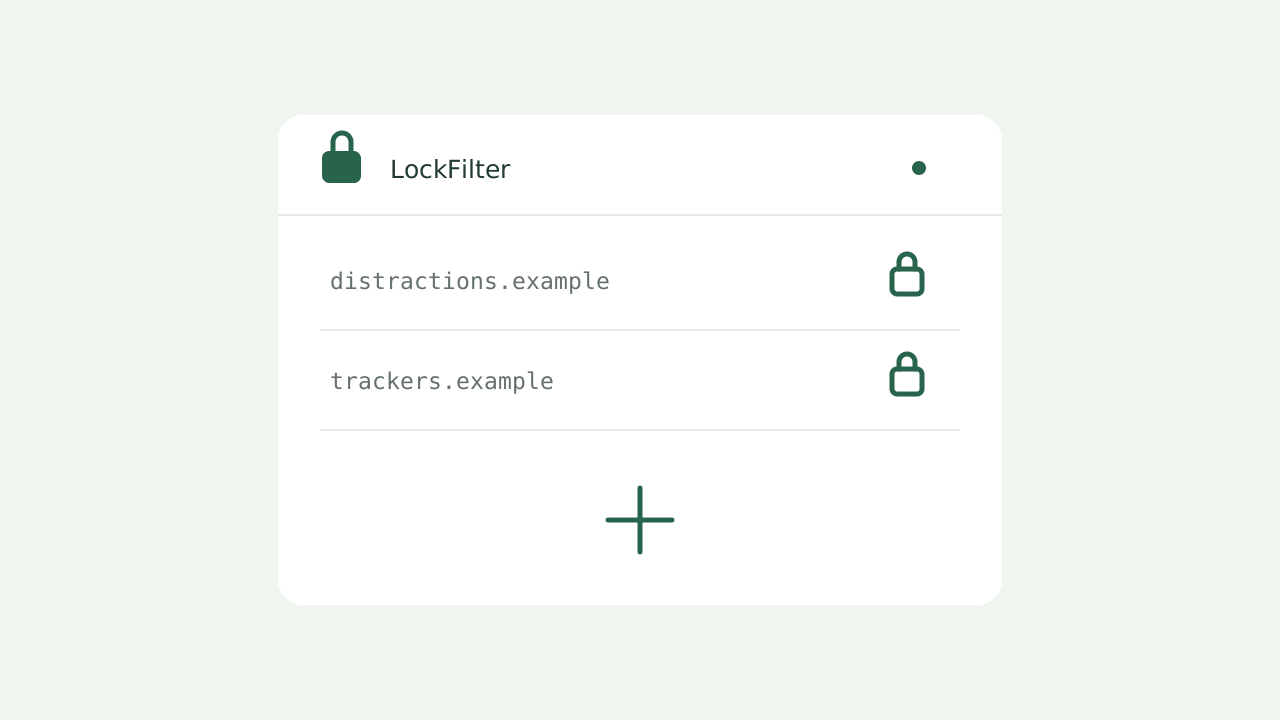
A permanent filter works best for decisions you have already made calmly. It turns an earlier choice into a growing list, so a distracted moment does not reopen the same negotiation. Permanence can support a boundary; it cannot decide what that boundary should be.
Start with the domain, not the page
DNS works with names such as example.com. A URL such as https://example.com/video/123 is reduced to its domain; the /video/123 path does not become a separate rule. Blocking a service to avoid one page may therefore interrupt the other functions on that domain.
LockFilter converts pasted website URLs into domain names. Check the result before confirming. A spelling mistake is permanent too, and removing the entry later is not an option.
Separate a passing impulse from a settled decision
- Prioritize services you have decided to leave behind, rather than pages that annoyed you once.
- Check whether the domain also provides sign-in, payments, storage or features used by other applications.
- Avoid broad infrastructure and content delivery domains unless you understand their dependencies.
- Test your decision in a reversible provider setting before recording it in the permanent filter.
Give the contribution link a clear role
The public address lets your DNS service read the list. The contribution link serves a different purpose: adding entries with a password. Share that second address only with people who understand the permanent commitment, and choose a password different from your account password.
Understand where protection ends
The list stays published, but the device and DNS provider determine whether blocking applies. Changing the DNS server, using a different network configuration or no longer loading the list can change the outcome. LockFilter does not manage those settings automatically.
A small, deliberate list usually fits this commitment better than importing thousands of names you do not recognize. The goal is to record boundaries that still make sense when your immediate preferences change.