How to use your custom blocklist with AdGuard DNS
Find the correct URL, add your filter to the right server and check that your DNS service is actually reading your list.
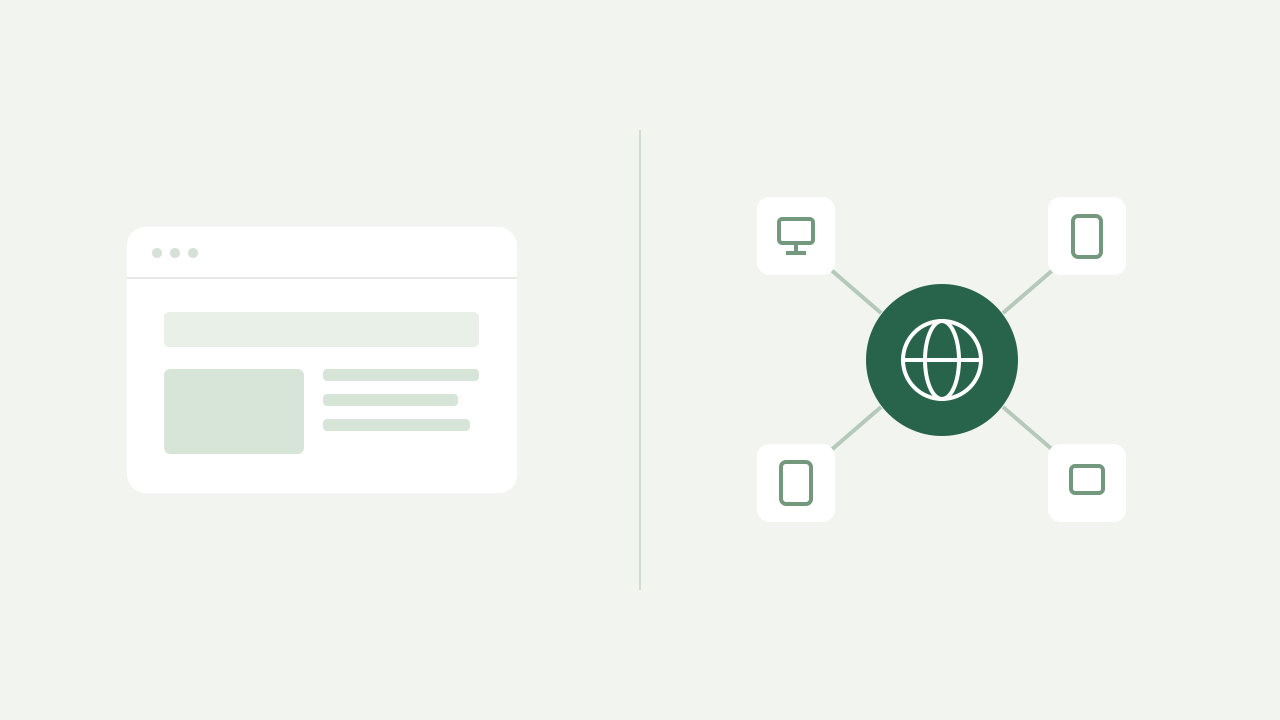
Your own permanent DNS blocklist. Add a domain, keep it blocked, and share one link with every device you want to protect.
US$30, once. No recurring charges.
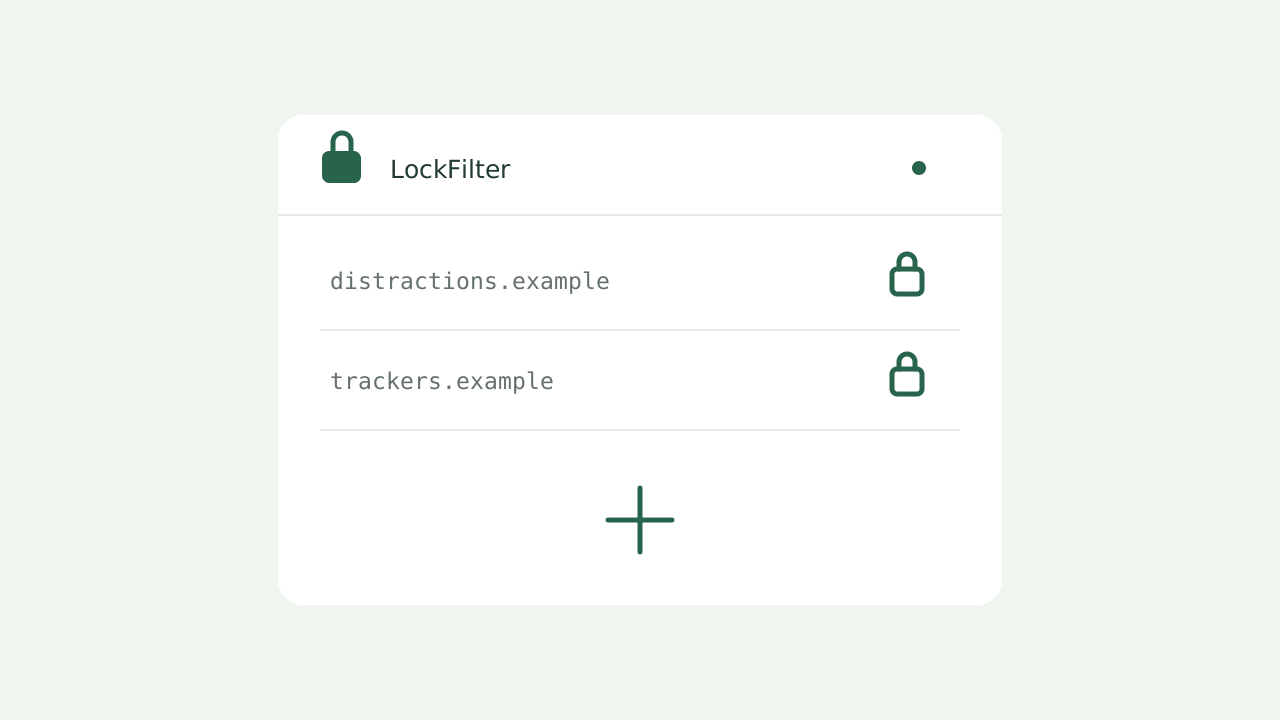
lockfilter.com/f/your-filter.txtIllustrative domains. Your list starts with your own choices.
For the websites you have already decided to leave behind.
Choose the domains you want to block. Review carefully: every addition is permanent.
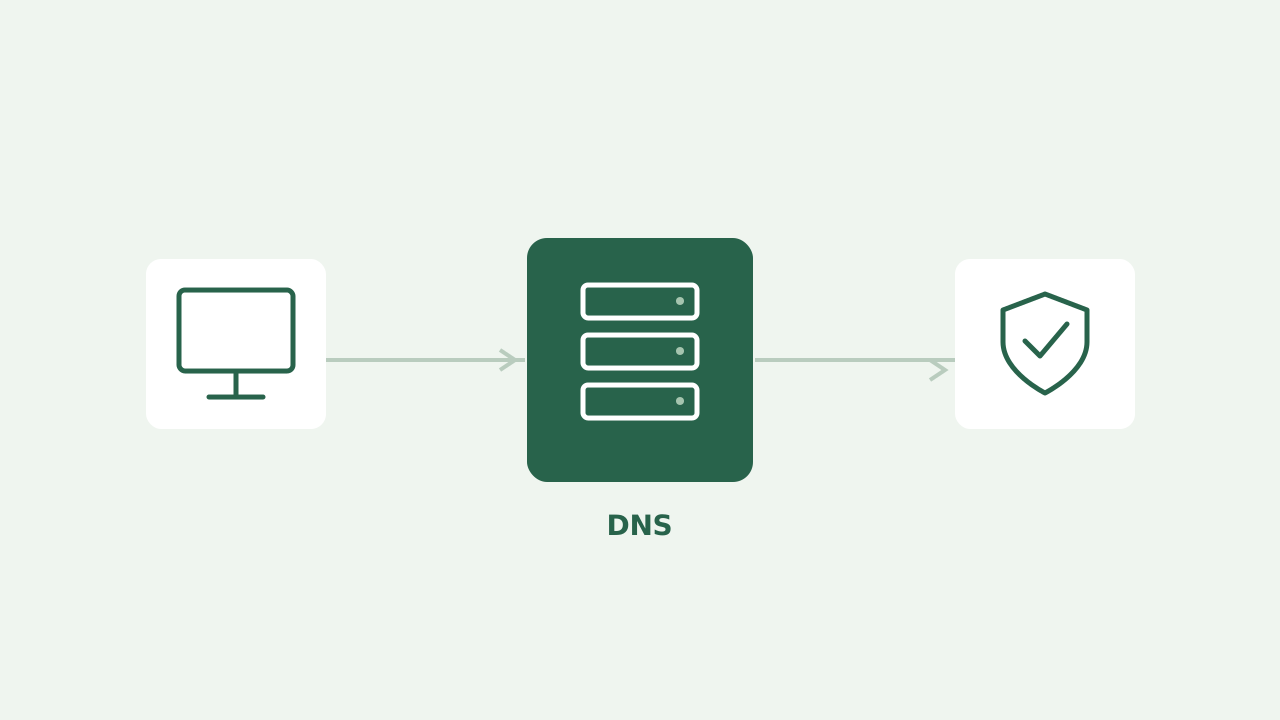
Add the filter URL to a DNS service that accepts custom blocklists, such as AdGuard DNS.
Add more domains from your dashboard or a separate password-protected contribution link.
Connect AdGuard DNS to see query volume, blocked requests and the most requested domains. Share a summary when you choose; your API key stays private.
Explore the demoFind the correct URL, add your filter to the right server and check that your DNS service is actually reading your list.
Compare coverage, limits and precision to choose protection that fits your devices and the boundaries you want to set.
A list without an undo button calls for better decisions. Review domains, protect essential services and set digital boundaries that last.
No. Domains and filter URLs are permanent. You can add entries and change the contribution password, but there is no deletion or allowlist feature.
No. LockFilter preserves your blocklist. Your DNS service, router and device settings still control whether it is applied. DNS filters work with domains, not individual page paths.
The AdGuard format is the default. Plain domain and hosts formats are also available. Your DNS service must accept a custom list URL; check its rules and plan limits.
One permanent filter with up to 10,000 domains, a password-protected contribution link and access to DNS reports. Your DNS provider is a separate service and may charge its own fees.