DNS filter or browser blocker: which should you use?
Compare coverage, limits and precision to choose protection that fits your devices and the boundaries you want to set.
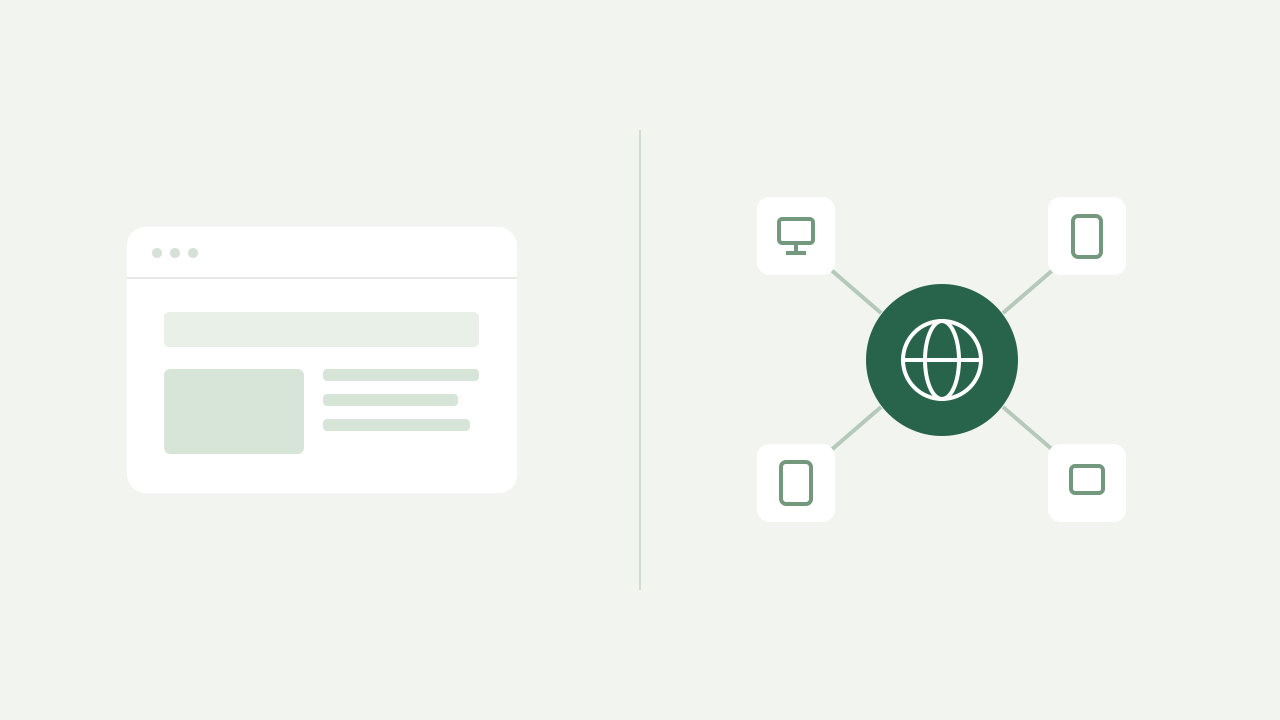
A DNS filter and a browser blocker operate at different points. The first decides whether a domain name can resolve; the second can inspect requests and elements within browsing. Choosing only by a promise to “block ads” hides this distinction.
Coverage is the first difference
Configured on a network or device, DNS can cover queries from applications and equipment that do not accept browser extensions, such as a connected television. That coverage depends on those devices actually using the configured resolver.
Browser protection follows that browser. Privacy features such as Firefox Enhanced Tracking Protection also address cookies and scripts, which a domain list cannot control in the same way.
| Criterion | DNS filter | Browser blocker |
|---|---|---|
| Blocking unit | Domain or queried name | Requests and elements, depending on the tool |
| Apps outside the browser | Can cover them if they use the configured DNS | Generally beyond an extension’s scope |
| Changes inside a page | Does not hide page elements | May offer cosmetic filtering |
| Cookie control | Not the job of a DNS list | Depends on browser or tool features |
Wider coverage does not mean greater precision
If advertisements and content use the same domain, blocking it may interrupt both. AdGuard explains this problem with YouTube advertisements: DNS cannot reliably separate them when they share video infrastructure. A DNS filter also cannot select a specific URL path.
Choose a layer for your goal
- To limit access to entire services across devices, start by evaluating DNS.
- To control trackers, cookies and elements while browsing, examine the browser and tool’s capabilities.
- For a permanent list, check every domain before recording it: coverage and irreversibility raise the cost of a mistake.
The two layers can complement each other
You can use DNS and browser protection together if you understand which one explains each blocked request. When diagnosing a problem, inspect DNS logs first, then browser protection. Changing several layers at once makes troubleshooting harder.
LockFilter maintains the domain list. It does not replace antivirus software, file analysis or browser security. DNS queries are not visits either: an application can query several domains in the background without a page being opened.